DNS and Own DNS, SSH/SFTP, Network Scanner PRO, WOL PRO and tools for Android TV and Android

One app for DNS control and home-network diagnostics.

Custom DNS Switcher is now a broad home-network and administration toolkit: per-app DNS and Own DNS, Wi‑Fi and Speed Test, advanced SSH with terminal and SFTP, TCP/UDP LAN scanning, backup, and WOL PRO with secure Remote Wake from a phone through Android TV.

This is not a country-changing VPN. Android VpnService is used locally for DNS handling. Administrative tools, SSH, network scanning and WOL should be used only on devices and networks you own or are authorized to manage.

Preview of Custom DNS Switcher on phone and TV.
App preview: phone layout on smaller screens, TV layout on larger screens.
Quick start

Just want to start? Do this first.

You do not need the full manual right away. The simplest Free setup takes only a moment.

Free

Tap Connect and start with the default DNS

  1. Open the app on your phone or TV.
  2. Tap Connect.
  3. Approve the Android local VPN prompt.
  4. The app starts the local DNS VPN with the default AdGuard DNS preset.

In this code line the default start uses the classic AdGuard DNS preset. For the user this means a simple DNS resolver switch with no account, no manual IP entry and no extra setup.

  • Android shows a VPN icon because the app uses local VpnService only for DNS handling.
  • It does not change country or public IP. This is not a streaming VPN.
  • If a network reacts badly, tap Stop and switch to another server from the library.
Full step-by-step start

Premium Lifetime

Why Premium exists

Premium is not required for the basic Connect button. It matters when you want real control over filtering, app scope and network tools.

  • Encrypted DoH/DoT DNS, per-app DNS and saved profiles
  • Own DNS firewall, Wi‑Fi Room Scanner, full Speed Test, SSH and LAN tools
  • Phone → TV config transfer, TV autostart and deeper automation

In the Google Play build Premium Lifetime is a one-time premium_lifetime product. If you use the same Google Play edition on phone and TV with the same Google account, you can restore the purchase on TV through Restore purchases.

Compare Free and Premium

App preview

App preview

The images below are localized mockups based on the programmed app UI. They are not emulator screenshots, but they show the main TV and phone screens.

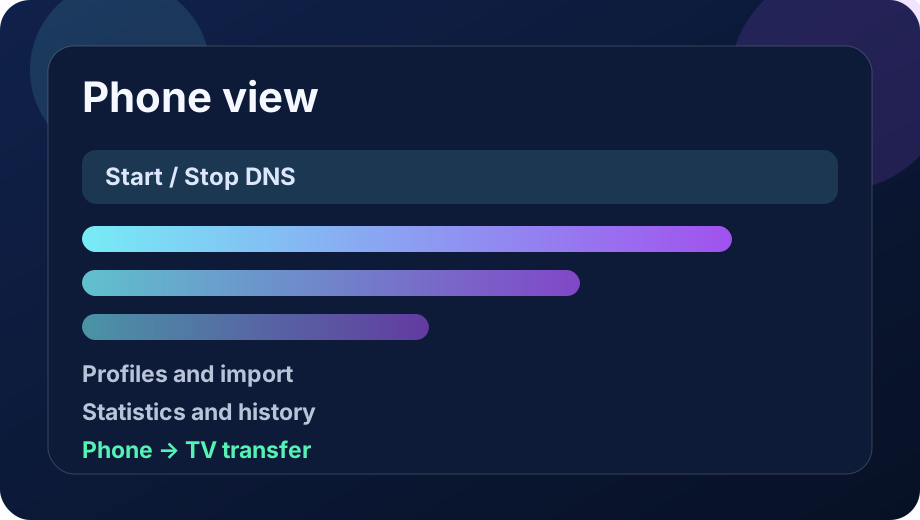
Phone view: dashboard, profiles, import and statistics.
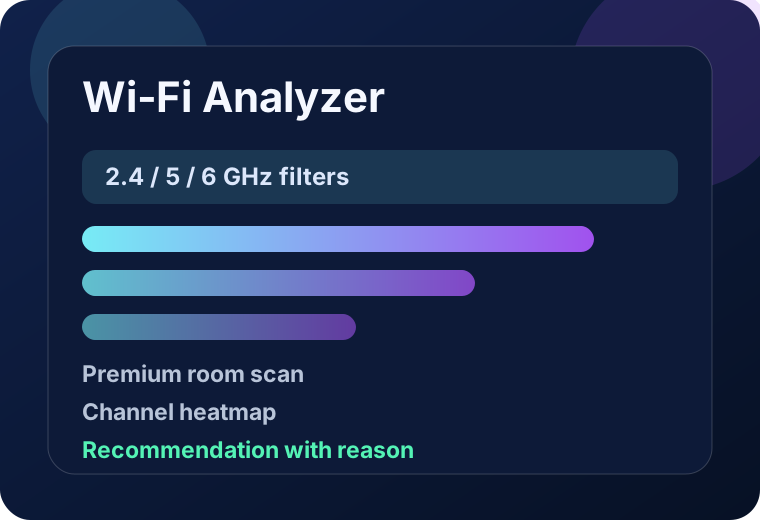
Wi‑Fi Analyzer: channels, bands, room-scan history and recommendations.
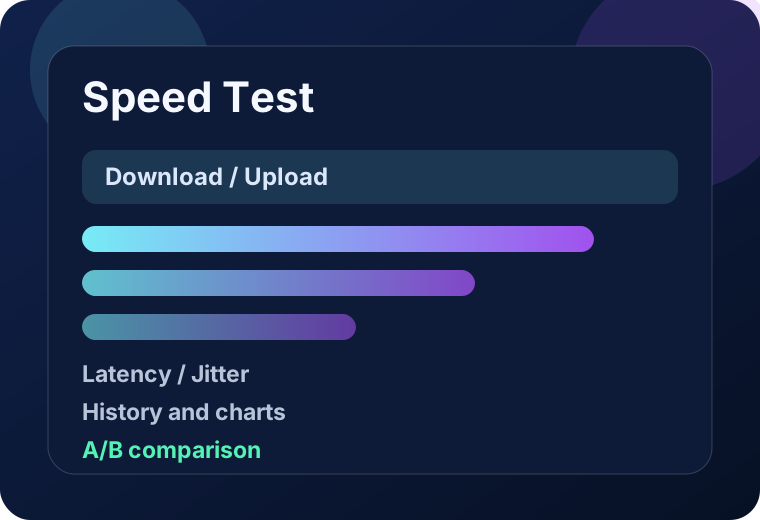
Speed Test: download, upload, latency, jitter, history and comparison.
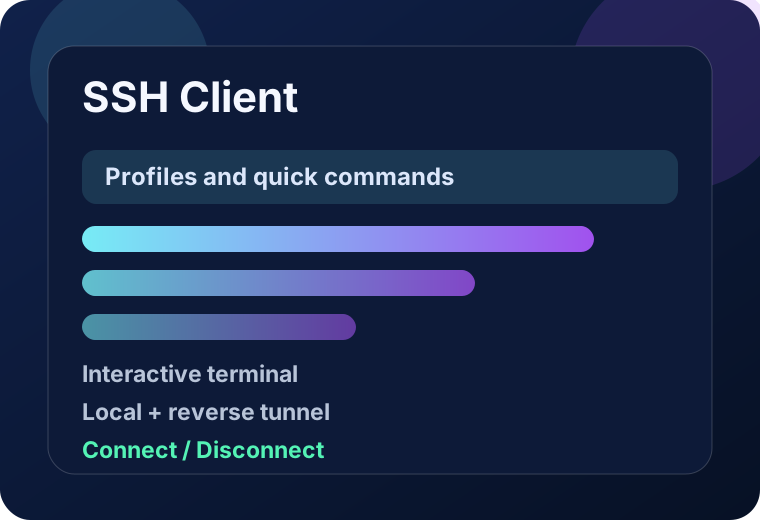
SSH Client: profiles, commands, terminal and tunnels.

Privacy and operating model

No account, no ads and a local-first design. Technical data stays on the device unless the user explicitly runs a network tool, connects to DNS/SSH services, shares an export or uses Google Play billing.

Walkie Beta QR works locally/offline over Nearby Connections, and Own DNS stores full domain logs only after the user turns that option on.

Free/Premium

Free vs Premium Lifetime — current scope

Premium is no longer just a few extra DNS switches. In the current code it unlocks full administration modules: Own DNS, SSH Pro/SFTP, Network Scanner Pro, WOL PRO, automation and advanced diagnostics.

Free

Free version

  • Connect / disconnect the local DNS VPN
  • Custom classic IPv4/IPv6 DNS and resolver library
  • Basic status, My address and quick network checks
  • Basic stationary Wi‑Fi scan
  • Quick Internet Speed Test sample
  • Classic Bluetooth Walkie on compatible devices
Premium Lifetime

Premium Lifetime

  • DNS profiles, app groups, per-app DNS, DoH/DoT, Smart Profiles and Own DNS firewall
  • SSH Pro: profiles, macros, command history, interactive terminal, multiple sessions, Jump Host/Bastion and diagnostics
  • SFTP / files: dual-pane manager, folder upload/download, file operations, bookmarks and a transfer queue with speed, ETA, pause/resume/stop/retry
  • SSH security: Known Hosts, generated Identity Vault keys, public-key deployment, OpenSSH certificates and optional biometrics
  • Tunnels Pro: LOCAL -L, REMOTE -R and dynamic SOCKS5 -D, multiple tunnels per profile and auto-start
  • WinSCP, OpenSSH and PuTTY session import, OpenSSH export and encrypted SSH backup
  • Network Scanner Pro: host discovery, TCP, UDP, service/device detection, inventory, history, diffs and reports
  • WOL PRO: saved profiles, history, QR, secure automation, shortcuts and Remote Wake from a phone through the TV
  • Wi‑Fi Room Scanner, full Speed Test, extended statistics and diagnostics
  • Walkie Beta QR and local phone ↔ TV configuration transfer
Key features

What this app actually does

The home page now gives the fast overall picture. Deep technical detail and tutorials stay on the documentation page.

Simple DNS for everyday use

Free lets you enable the local DNS VPN, pick a server from the library and confirm that the device is already using the new resolver.

More control in Premium

Premium adds saved profiles, per-app DNS, encrypted DoH/DoT, Smart Profiles and child-mode protection for tighter traffic control.

Make Home your own

Change shortcuts, section order and visibility. Add profiles, app groups, favorite DNS and SSH commands without losing data when a section is hidden.

Own DNS as a local firewall

This is a separate Premium mode for on-device domain filtering: ads, trackers, malware, telemetry, custom rules and custom HTTPS sources.

Phone and Android TV

The app is built for both phone and TV. You can prepare the setup on a phone and then transfer it locally to the television.

PRO tools

Far more than DNS

The largest gap in the old website was the administration toolset. The current code contains separate, mature SSH/SFTP, network-scanner and WOL PRO modules.

SSH Pro + Tunnels Pro

Interactive terminal, quick/custom commands, history, multiple sessions, Jump Host, Known Hosts, keys, biometrics and LOCAL, REMOTE and SOCKS5 tunnels.

SFTP and transfer queue

Browse phone and server in a dual-pane manager, upload/download multiple files and folders, manage names, directories, chmod and bookmarks. Transfer Center shows progress, speed and ETA and supports pause, resume, stop and retry.

Network Scanner Pro

Quick and full LAN scans: online devices, TCP ports, common UDP probes, service detection, device identification, inventory, change history, reports and diagnostics.

WOL PRO + Remote Wake

Save a PC as a WOL profile, wake it with one action, import/export the profile by QR and — on TV — enable Remote Wake. A phone opens the TV’s local page, supplies a token and wakes an approved computer without ADB.

User documentation

Tutorials synchronized with current 3.16.6 code

The manual now covers current SSH Pro, SFTP/Transfer Center, Network Scanner Pro, local backup/restore, WOL PRO and Remote Wake. Existing DNS, Wi‑Fi, Speed Test, Walkie and Android TV instructions are preserved.

Documentation and tutorials

Step-by-step guidance now covers not only DNS, but also SSH administration, file transfers, LAN scanning, backup and remote PC wake through the TV.

Open documentation

Change log

The older 3.8–3.11 history remains, with a new cumulative 3.12–3.16.6 summary based on the current source tree at the top.

Open change log

Current line

Version 3.16.6 — major administration-tool expansion

Compared with the website’s old 3.11 line, the app now has a much larger SSH, file-transfer, LAN-scanning, backup and Wake-on-LAN feature set. This website update synchronizes the documentation with that code state.

SSH / files

SSH is now a full workspace

  • Terminal, multiple sessions, macros and command history.
  • SFTP with file operations and a background transfer queue.
  • Jump Host, Known Hosts, Identity Vault, WinSCP/OpenSSH/PuTTY import and encrypted backups.
  • Tunnels Pro: LOCAL, REMOTE and dynamic SOCKS5.
LAN / WOL

Network Scanner Pro and WOL PRO

  • Broader host, TCP/UDP, service, inventory, history and change scanning.
  • WOL PRO stores devices as profiles and keeps local wake history.
  • QR and token-based automation limit calls to approved stored profiles.
  • Remote Wake can wake a PC from a phone browser through Android TV on the same LAN — without ADB.